Submission — what App Store review actually checks
Keith Pillay · 4 October 2026 · 4 min read
Part 1 was the idea and Part 2 was the build. This is the part nobody writes about: the app works, so what stands between you and the App Store?
The Storko Product Health Scanner is now submitted and waiting on review. Here's what I learned getting it there.
Read the requirements, not a summary of them
Early research for an app like this tends to come from summaries, including ones produced by tools. I treated all of that as a starting point and re-read the primary sources: Shopify's App Store requirements, its best-practices page, the privacy-law compliance docs and the API versioning page. The tags I used in my notes were simple: verified (read on the source) and unverified. Several of my earlier "facts" didn't survive.
One example: I had understood the "unique apps" rule as "don't copy a competitor". Reading the actual text, it's about not publishing the same app twice yourself. A small misreading, but the kind that wastes effort or causes false confidence.
What I checked, and how
The audit covered each requirement against the actual code, not just my memory of it:
- GraphQL only. New public apps must use the GraphQL Admin API exclusively. I searched the codebase for any REST usage. None.
- Session tokens, no cookies or local storage. I searched for
localStorage,document.cookieand similar. None. - Authenticate immediately on install, and again on reinstall. I tested a full uninstall and reinstall on a real development store.
- Mandatory privacy webhooks. Three topics must be handled:
customers/data_request,customers/redactandshop/redact. Invalid signatures must get a 401. I read the installed library's source to confirm that's what it does, rather than assuming. - Current API version. I confirmed the version I used was the latest stable and not near sunset.
- Scopes.
read_productsonly, with no high-risk scopes needing special justification.
The name I had to change twice
The audit's most useful finding was about the app name. Requirement 4.1.2 says an app name must lead with your distinctive brand identifier. My working title, "Image Size Checker", was a pure descriptor with no brand word at all.
I renamed it to lead with my own company name, Storko. Later, once the app's scope had grown beyond images into catalogue data, I renamed it again to Storko Product Health Scanner, so the name still described what it did. Better to find this before submission than after.
Screenshots: harder than they sound
Shopify tightened its listing-image standards: no desktop backgrounds or browser chrome, no logo-only images, and every image must show a different feature or state.
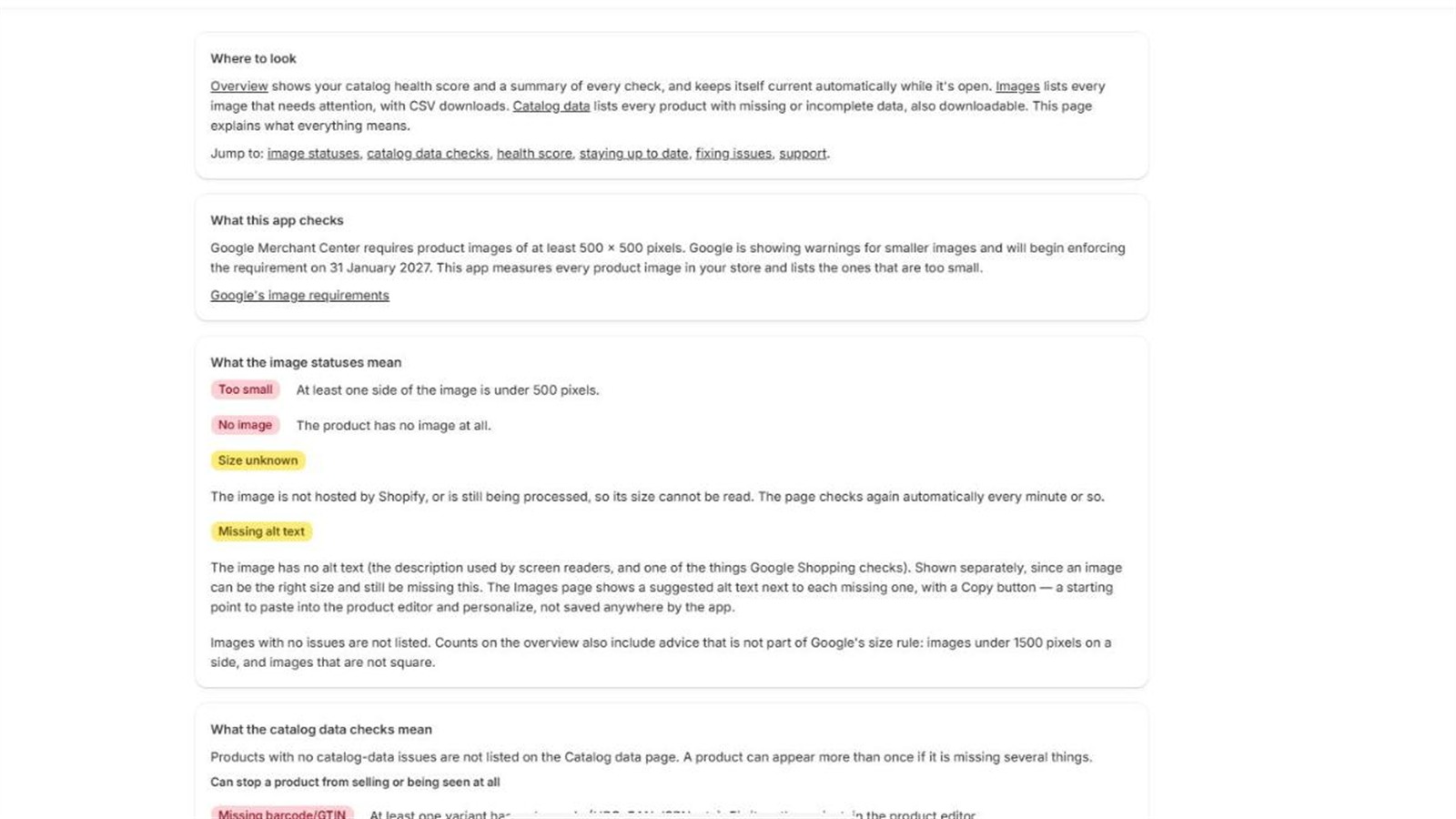
I got these wrong more than once. My first batch was stretched, because a crop script forced rectangles with the wrong aspect ratio onto a 16:9 canvas, so the circular health score came out as an oval. The fix was to compute each crop's size from the target ratio before resizing, so scaling is uniform. Another version had stray mouse cursors baked in and a visible seam where two screenshots were joined. Those came out by re-capturing or carefully patching, and checking at 3× zoom.
The lesson: a screenshot on a listing needs to look like one honest, real screen capture.
The privacy policy
Public apps need a privacy policy and a support contact. I published mine on my own site and then checked it against Shopify's recommended disclosures. That found two gaps: a statement that the app collects no customer data, and a statement on where data is processed and stored. Both were fixed. Later I added a disclosure for the error-monitoring tool I use, after confirming (by inspecting a real captured event) that it held no request headers, cookies or body data.
Listing details with real limits
Small things with real limits:
- Search terms: up to five, complete words, one idea each. My first list had about twelve multi-word phrases. I cut it to five single words.
- Feature bullets: up to eight, 80 characters each.
- Icon: 1200×1200, with padding, no screenshots or photos, no trademarks.
Instructions for the reviewer
The reviewer needs to be able to test the app without you. I wrote step-by-step test instructions: install on a development store, watch the first scan run automatically, open each page, download the CSVs, edit a product in the Shopify admin and see the change picked up automatically, test an empty store, then uninstall and reinstall to confirm nothing persists. No credentials are needed, since the app uses Shopify's own authentication.
I also wrote a short narration script for the screencast and re-checked it against the final UI, since the interface had changed during the build.
What I'd do again, and differently
Again: audit against primary sources early, search the code for forbidden patterns rather than trusting memory, and test uninstall and reinstall for real.
Differently: check the naming rule before choosing a name, and build screenshots with a fixed process from the start.
The app is in review now. Whatever the outcome, the process taught me what a production-ready public Shopify app really needs, and it's all written down here for the next one: a product customisation app, which I'm building now.